
Email Interaction Metrics
The top cards of the dashboard distinguish between total volume and individual engagement.
Total Clicks vs. Unique Clicks
-
Clicks: Located in the top summary row, this represents the total volume of engagement. It counts every time a link is clicked, including multiple clicks by the same person.
-
Unique Clicks: Located in the "Who is interacting with your emails?" section, this counts distinct individuals. If one person clicks a link multiple times, this metric records a single engaged recipient.
Emails Sent vs. Emails Received
-
Emails Sent: The total number of emails dispatched to your audience.
-
Emails Received: The number of emails successfully delivered (excluding bounces). This aligns with the "Delivered" metric from SendGrid and is displayed with a Delivery Rate percentage.
Website Activity & Shopper Data
Why do I see "Clicks" but no "Website Activity"?
You may notice instances where the report shows any number of clicks, while the "What are customers doing on your website?" or "Shopper Data" sections display "No data available."
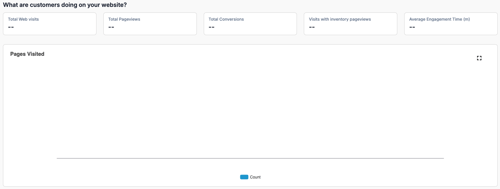
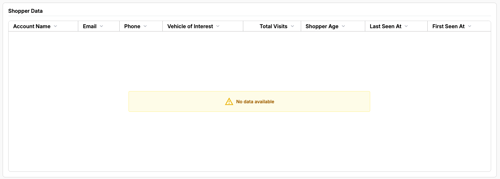
This is normal behavior and not a system error. It occurs because email servers and website trackers follow different privacy rules.
-
The Click (The Recipient): When a recipient clicks a link, the email server records this action immediately. This gives you your "Click" count.
-
The Website Visit (The Customer): Upon landing on the site, the recipient becomes a website visitor. Tracking their specific activity and vehicle views requires browser cookie consent.
The website activity sections display data for customers who accept cookies and tracking permissions. If a recipient clicks an email but opts out of cookies (or uses privacy-focused browser settings), their click is counted to show email engagement, while their specific site navigation remains private.
You can view these metrics in your dashboard by navigating to Marketing > Reporting and selecting the Automated Email Performance tab.