
1. Navigate to the Orbee Dashboard
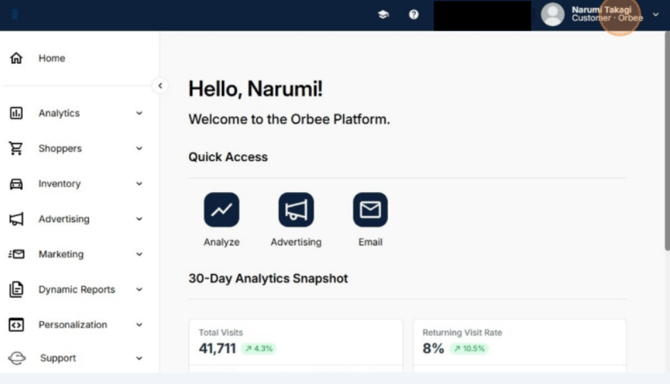
2. Access the User Menu
-
In the upper right corner of the dashboard, click Customer - Orbee
3. Go to General Settings
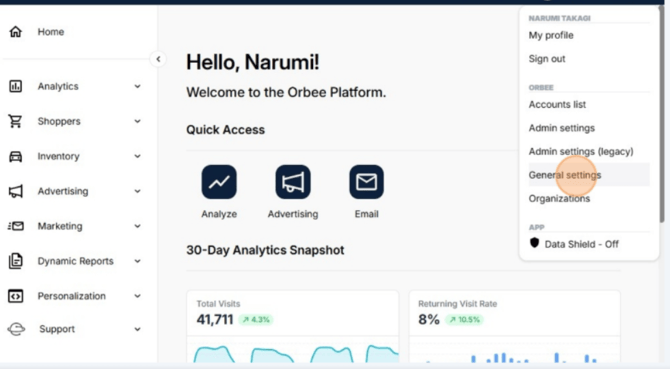
- From the drop-down menu that appears, click "General settings".
4. Open the IP Addresses Tab
-
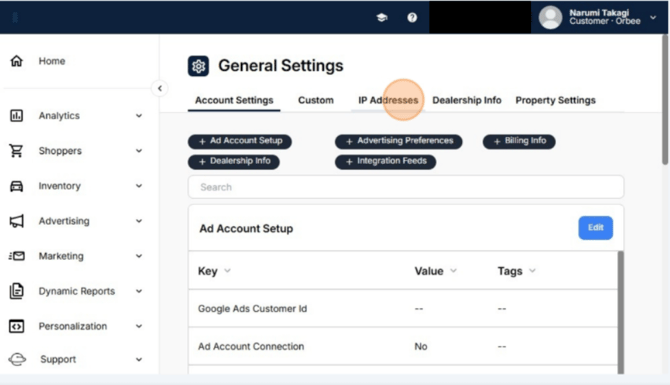
On the General Settings page, click the "IP Addresses" tab.
5. Initiate Blocking a New IP
-
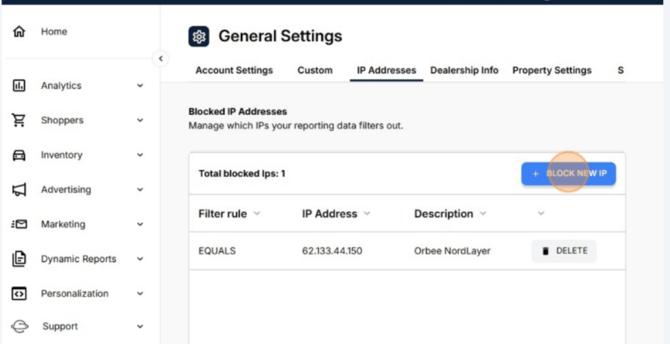
On the IP Addresses page, click the "+ BLOCK NEW IP" button.
6. Enter the IP Address Details
